Edit existing PDF text
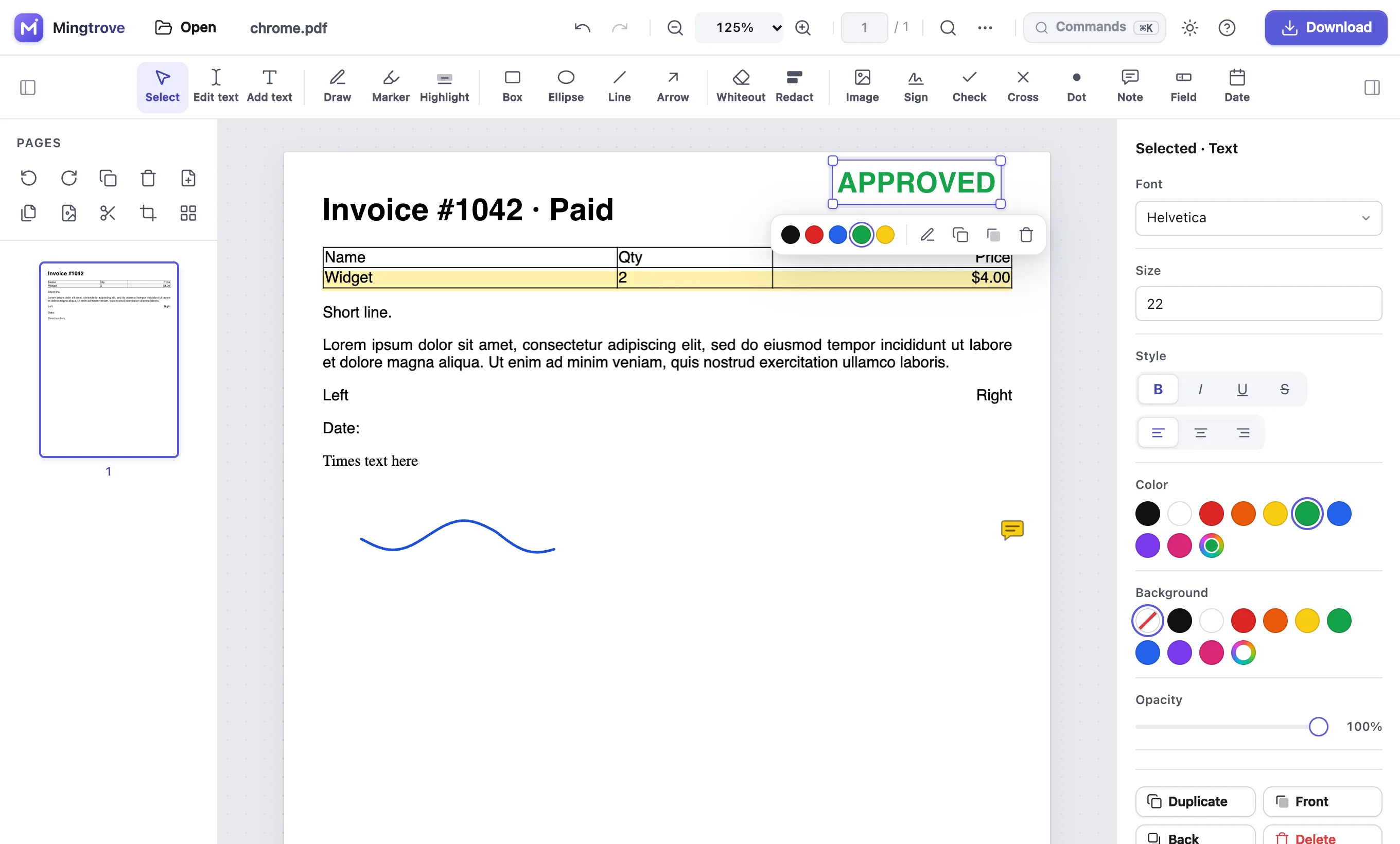
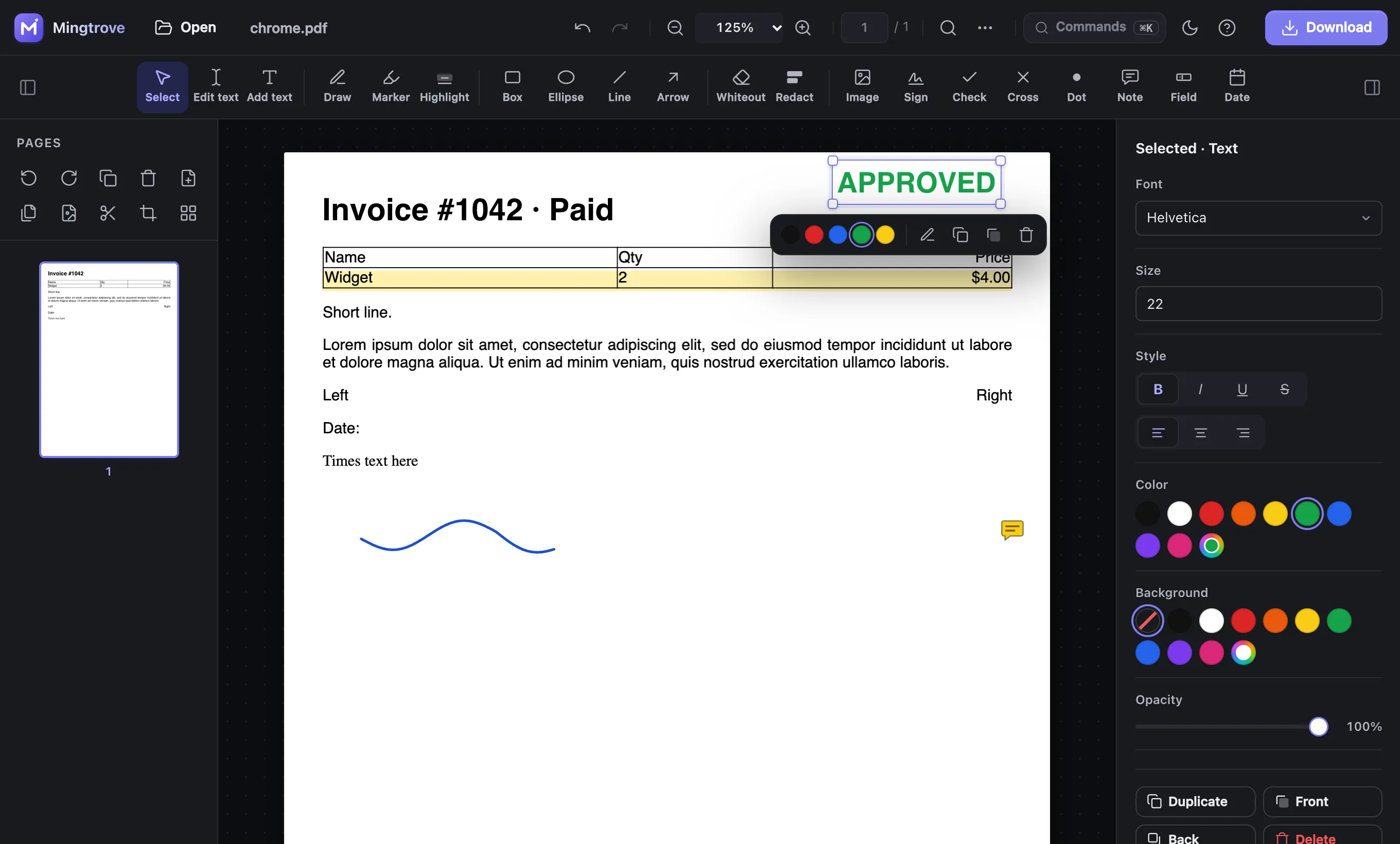
Click any line to rewrite it. Mingtrove matches the original font style, size, colour and position, so the change blends in.
Break a PDF into single pages, equal parts or your own page ranges such as 1-3, 4-8. The parts download together as one ZIP. Your file never leaves your device.
or drop PDFs and images anywhere on this pagePDFs and photos from your device
Click any line to rewrite it. Mingtrove matches the original font style, size, colour and position, so the change blends in.
Draw, type or upload your signature and place it anywhere. Signatures are saved on your device for next time.
Type into fillable fields, or add text, ticks, crosses and dates to forms that aren’t fillable. Form fields keep working after you download.
Black out names, numbers and addresses. Redacted pages are flattened, so the hidden content is removed from the file, not just covered.
Shrink big PDFs by resizing the photos and scans inside them, with a choice of quality. Text stays sharp, and you see how much you saved.
Open a password-protected PDF with its password and save a copy without the password. The text stays real text.
Combine several PDFs and photos into one file. Put them in any order, then download the result or keep editing it.
Split a PDF into single pages, equal parts or custom page ranges like 1-3, 4-8. The parts download together as one ZIP.
Drag pages into order, rotate, duplicate or delete them, insert blank pages and extract pages into a new file.
Highlight passages, draw freehand, add boxes, arrows, whiteout, page numbers and watermarks.
Lock your PDF with AES-256 encryption: require a password to open it, or block printing, copying and editing.
Your PDFs never leave your device: there are no uploads and no account. Your work is autosaved locally so you can pick up where you left off.
Choose Custom ranges and type the pages you want, for example 2-4, 9. Each range becomes a file.
Yes. Choose Every page: you get one PDF per page, in a ZIP.
Browsers ask for permission for every separate download, so several parts are packed into one ZIP instead.
Yes. Pages are copied as they are, with their text, fonts and form fields.